Introduction
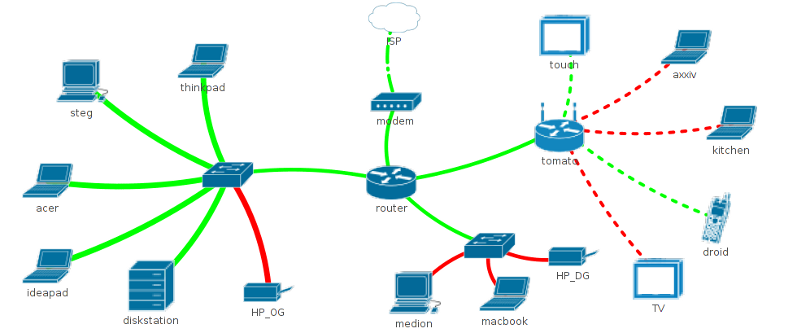
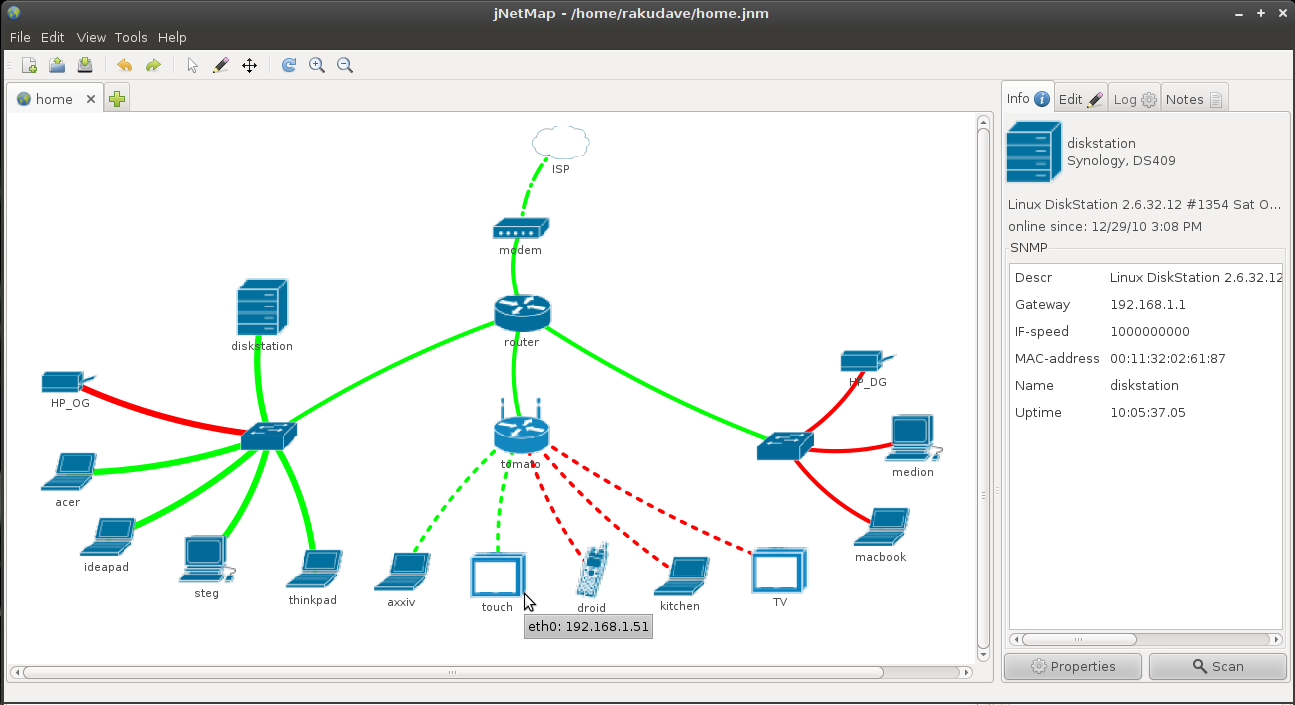
jNetMap helps you to keep an eye on your network. You can draw a graphical representation of your network, and jNetMap will periodically check if the devices are still up or a service is still running. You can also set up E-mail notifications or let jNetMap execute a script when a device goes down or comes up again. Additionally, you may attach notes to a device, initiate an RDP/VNC/SSH connection to a device and much more.
Note: jNetMap is not a network discovery/auditing tool, there are better tools out there for that. And if you need enterprise grade monitoring, you should check out Nagios or Zabbix instead. The idea here is to have a mission control center-style display for networks.
… not what you were looking for? There was another project that was called jNetMap back in 2006, you can visit it here.
Download
jNetMap is written in Java and therefore platform independent.
Ensure that you have Java 8 or higher installed* (I prefer Adoptium over the official one)
* this is done automatically by the deb and rpm packages
Version 0.5.5
- Ubuntu, Debian (.deb)
- Fedora, SUSE (.rpm)
- AUR (by schinfo)
- Makefile (.tar.gz)
- Windows (.exe)
- Others (.jar)
instructions for manual launch before Java 17
java -jar jNetMap.jar
instructions for manual launch on Java 17 or higher
java --add-opens=java.base/java.net=ALL-UNNAMED –add-opens=java.base/java.util=ALL-UNNAMED –add-opens=java.desktop/java.awt=ALL-UNNAMED –add-opens=java.desktop/java.awt.geom=ALL-UNNAMED –add-opens=java.desktop/javax.swing.event=ALL-UNNAMED –add-opens=java.desktop/com.sun.java.swing.plaf.motif=ALL-UNNAMED –add-opens=java.desktop/com.sun.java.swing.plaf.gtk=ALL-UNNAMED -jar jNetMap.jar
Other versions
- Development Snapshots – use with caution & backup your map first
- Older versions (0.3.3, 0.5.x)
Quick Start
- Create a new file (Menu: File > New).
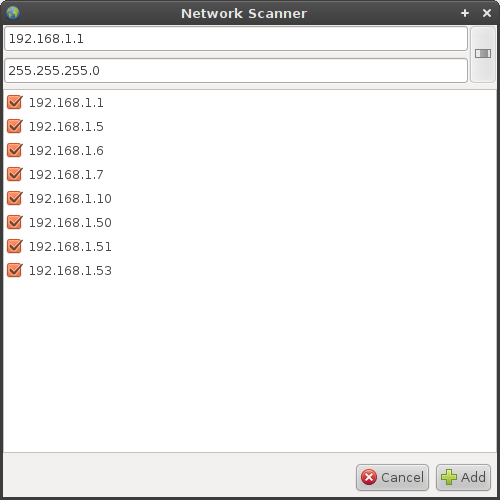
- Scan your network for devices (Menu: Tools > Network Scanner).
- The Network Scanner will automatically use the IP-Range of your first active network-connection. Change IP/Subnet if necessary. (Hint: Use CIDR-Notation in the first field and hit enter).
- Click “Scan”, wait for a moment, then click “Add”.
- jNetMap will try to find the best ping-method, name and other settings for the devices and add them to the map.
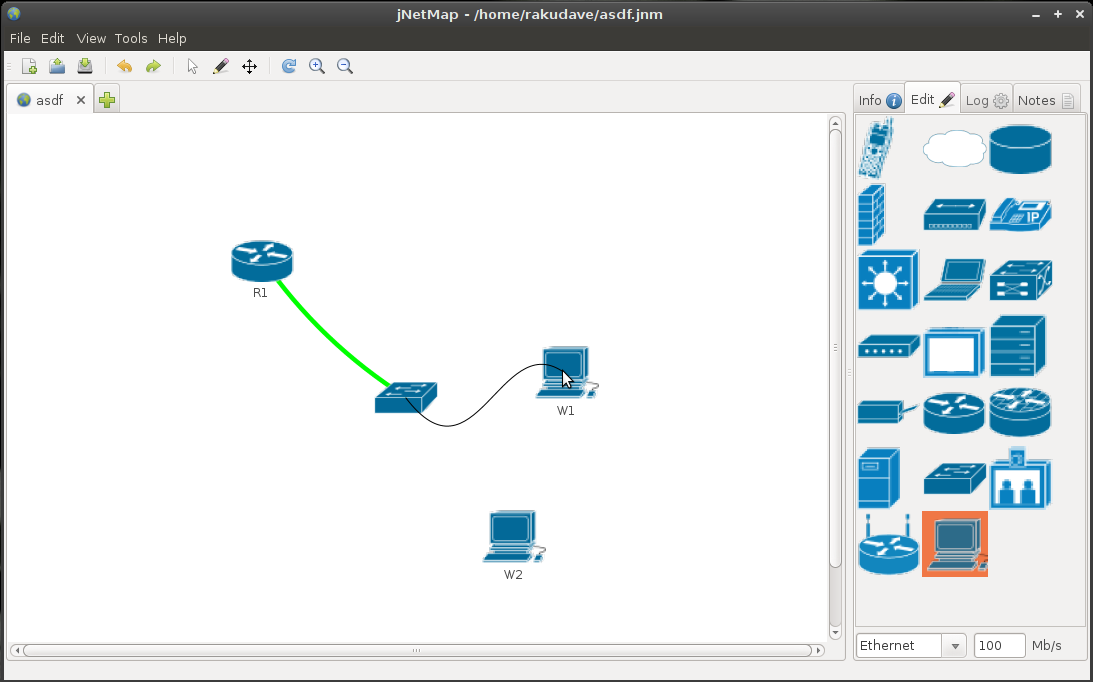
- Drag the devices to an appropriate position on the map or choose a layout from View > Layout.
Find out more by consulting the manual (pdf), or type man jnetmap in a terminal.
News
Screenshots
Contact
Before submitting a bug report, please check if you’re still experiencing the issue with the latest dev builds, it may have been fixed already. If the problem persists:
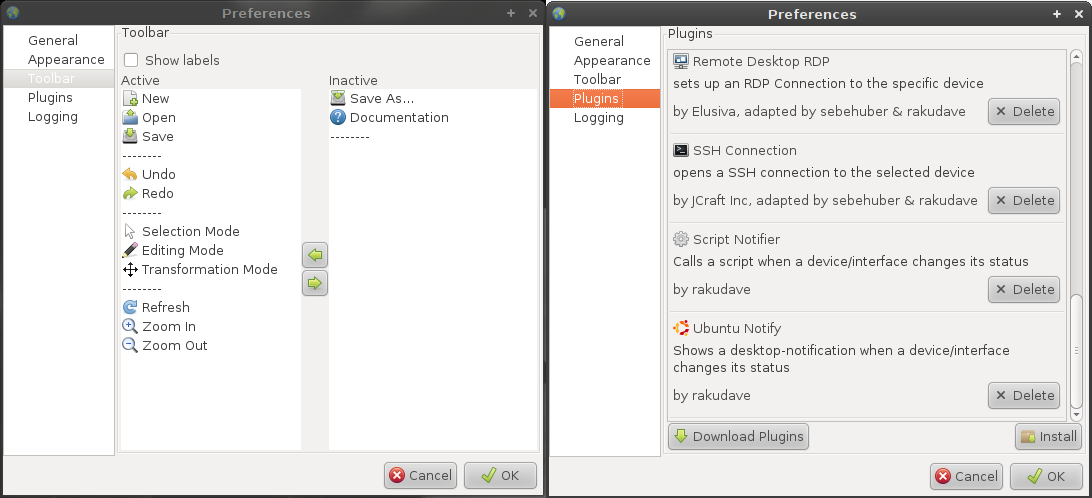
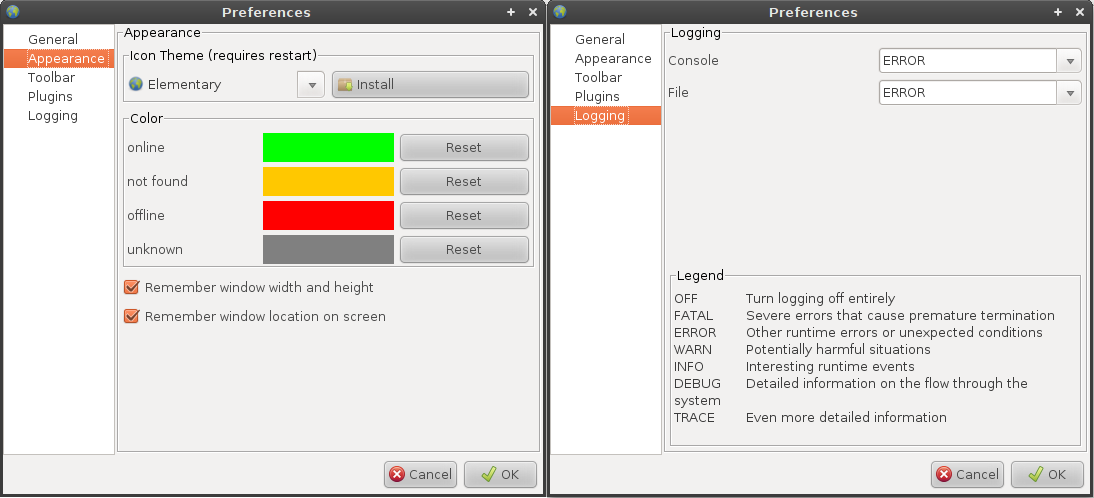
- Set the level of the “File Logger” to TRACE (Edit > Preferences > Logging)
- Reproduce the bug
- Provide a description of the problem, if possible with step-by-step instructions on how to reproduce it
- Provide a description of your environment (OS version, Java version, jNetMap version)
- Attach the generated logfile to the bug report (located in your home folder under .jNetMap/logfile.txt)
- Attach the jnm-file if you are experiencing a map-specific issue (and you are able to disclose its content)
- Set the “File Logger” back to ERROR so as not to fill up your drive
In case the program doesn’t launch at all, try launching it via a command line in order to see errors that may occur before the application itself is ready.
» Submit a bug
» Request a feature
» Write me directly
Contact language: English or German
jnetmap [ä t] rakudave [d o t] ch